Acre Radio Manager
Acre Radio Manager: Radio Settings Management
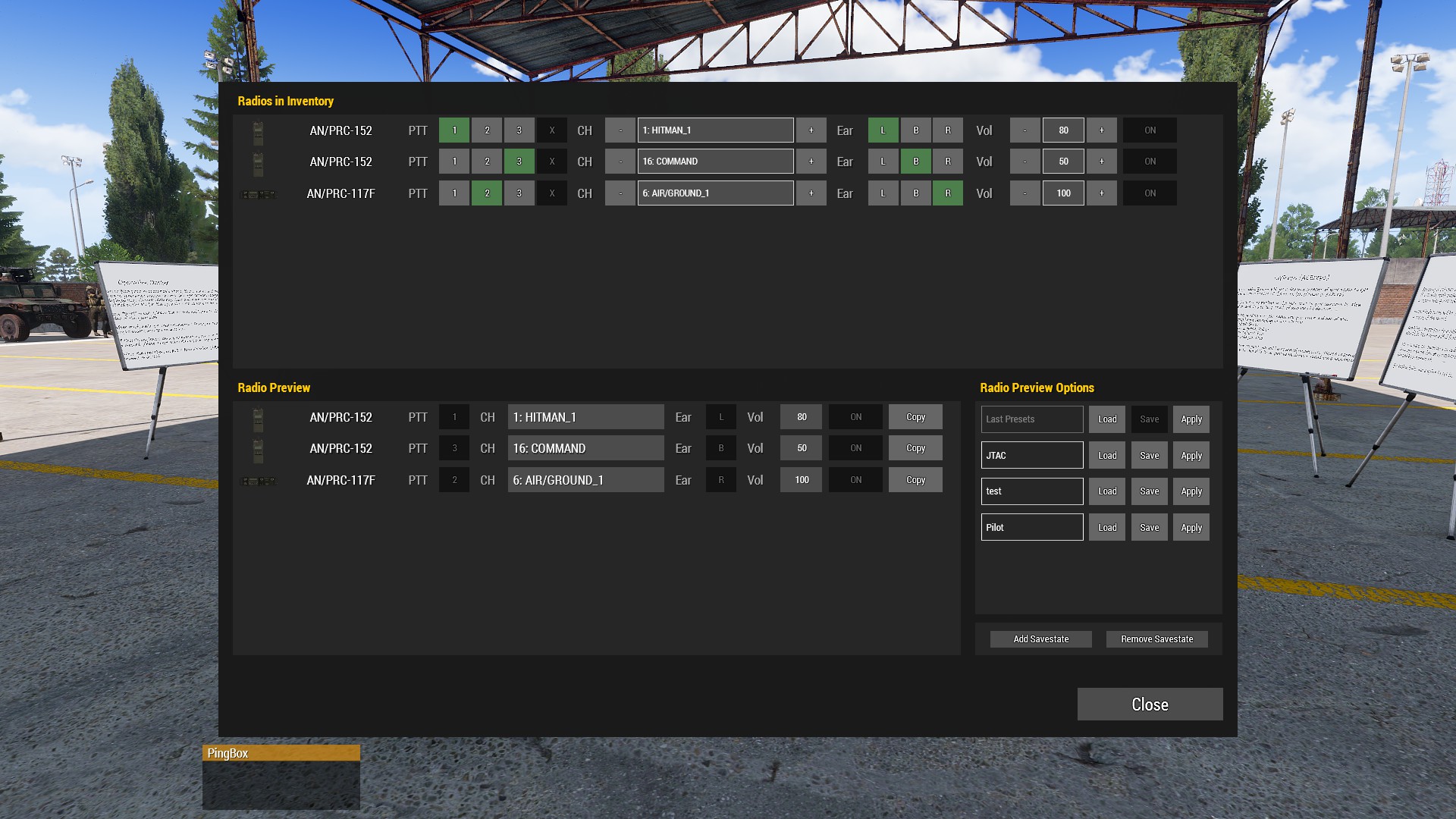
Acre Radio Manager is a client-side mod for Arma 3 that gives players a single interface to manage all their ACRE radio settings without diving into individual radio menus.
Features
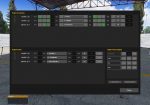
- Inventory overview — all ACRE radios currently in your inventory displayed in a single panel with their key settings at a glance.
- PTT assignment — assign radios to Push-To-Talk keys 1, 2, or 3 with smart swapping logic that prevents duplicate PTT assignments.
- Ear assignment — switch any radio between left, center, and right ear output in one click.
- Channel control — change channels with +/- buttons or type a channel number directly (supported radios: AN/PRC-117F, AN/PRC-152). Two-digit input applies immediately.
- Volume control — set per-radio volume in 10% increments using +/- buttons or by typing a value directly.
- Immediate application — all changes take effect instantly, no Save button required.
- Radio preview panel — compare settings side by side with a live or savestate-loaded preview.
- Savestate system — save named radio configurations and restore them at any time. Savestates are matched to radios by type, not position, so they survive inventory reorders.
- Copy settings — copy settings from any preview radio directly onto a matching inventory radio.
- Last Presets auto-save — your radio configuration at dialog close is always preserved and reloadable. (Helpful after a game crash or after reloading your kit in the Arsenal)
- Client-side only — no server setup or other player requirements.
For more informations, see the Steam Workshop Page